
Claude Code for MBAs (Part 1)
Code has a new format. Let's dive into it

When I started my undergrad journey, I never thought I’d be a Computer Science major. Because I loved reading The Economist, my Mom recommended I studied Econ so I did. Thankfully, I had the luck to live on a floor my first year where a good chunk of my floor mates/friends kept pushing me to try giving coding a shot. It seemed daunting but one of them gave me a “simple” task to get started: designing my own website. They even offered to help me if I needed it since a few of us decided to stay on campus instead of going home for Thanksgiving break.
I accepted their offer and after feasting on a Thanksgiving meal with friends on campus, sat in the floor lounge, opened by MacBook and began my coding journey. How was that process? Well, it was equally frustrating spending hours trying to get a page to write about myself on Columbia’s CUNIX platform but awe-inspiring when you could see a tangible result load up on a website and know you made it. Coding really felt like magic. It was that moment that opened my eyes to the power of code and began my switch to studying and graduating in a degree in Computer Science and eventually becoming a Product Manager, convinced through code paired with product sense and a care in the world, I could make a difference.
Nowadays, what I did during that break of writing code, testing my code, struggling with bugs, and so on can be completed nearly asynchronously with the rise of Generative AI tools such as Claude Code and OpenAI’s Codex tools. These tools can help developers increase their velocity, and importantly to me, expand the possibilities of people, even those with no coding background, to turn their ideas and stories into tangible digital concepts and share them with the world.
So in this multi-part Substack, I want to write a brief story (and share tools) for how anyone (and yes, I mean anyone) with < $20 and an idea for a website can hone their goal into requirements and turn it into a website. Let’s dive in:
What you need to install & or acquire
I’ll write this post using Claude Code by Anthropic but you use other tools like OpenAI’s Codex which have a similar setup guide (if you run into issues, let me know and I’ll try to help as best as I can!)
A computer with Terminal access
This application is preinstalled on Mac computers. For Windows users, look for an app on your computer called PowerShell
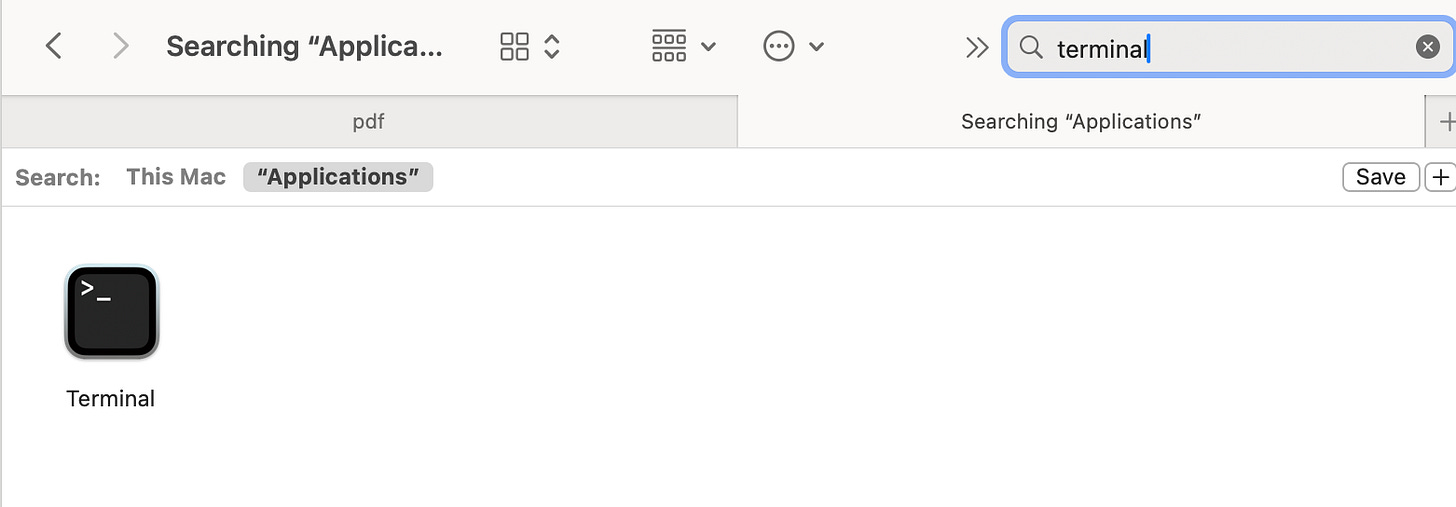
For Mac users, you will setup Claude Code from Terminal
A paid subscription to Claude or ChatGPT — (starting at $20/month)
Once you’ve set up a subscription, install Claude Code or Codex
A text/code editing program (Cursor) VS Code, Cursor, TextEdit, etc)
If you can read/write markdown files with it, it will work. I’d recommend starting with Cursor and will use that
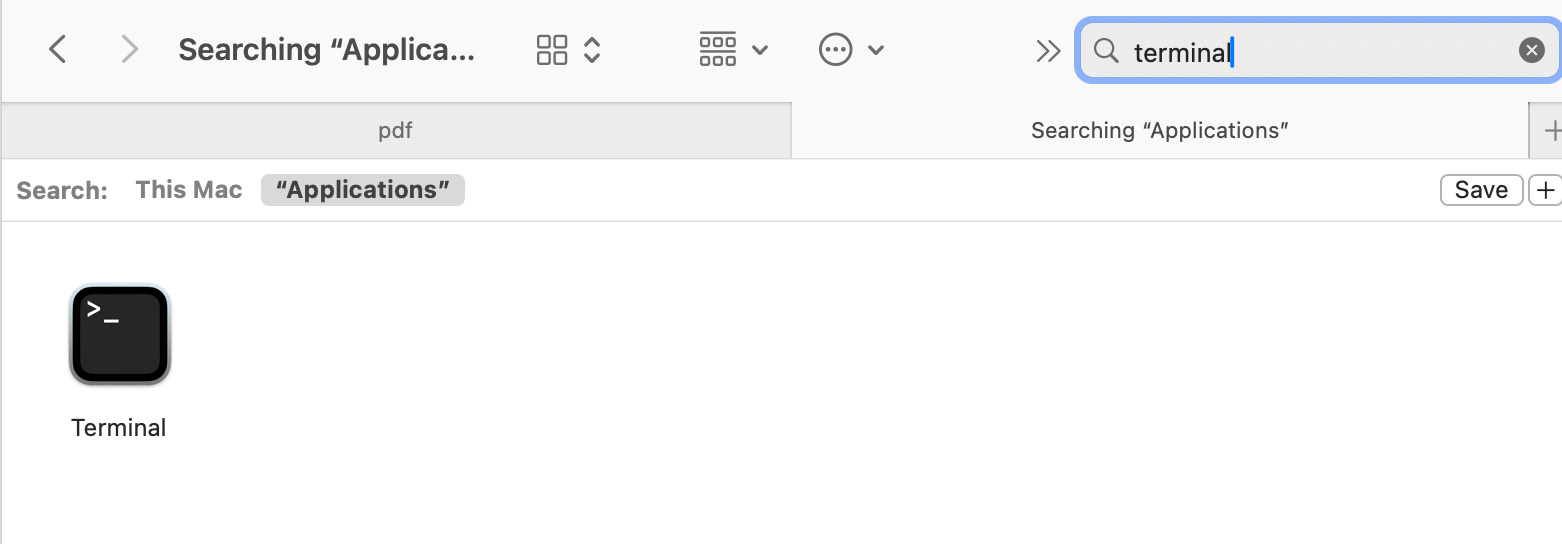
If you want to publish your project to the internet, you’ll also need:
Vercel (which you can sign in with using your Github account)
In this current era, these tools can take a while to download and setup, but getting these out of the way sets the foundation for you to really get to see the “magic” of Generative AI and vibe coding.
What are you trying to build?
What do you want to build?
No, really, what do you want to build?
Generative AI tools can feel magic but they’re (mostly) just math. I won’t go into the full details here, but while it can generate a lot of text or code quickly, these tools will not read your mind and are error-prone. That’s why I recommend before rushing to build a project you think about working with these tools in three steps:
Define what your goal is
“Collaborate” with the LLM to ensure your implicit goals are made explicit
Let the tools make results
Based on the results, refine your goal and iterate
I’ll show this through an app I am currently vibe coding that lets a user enter a word or phrase to encapsulate their day based on Etymology Nerd’s happiness wall effort.
At the end of the year, the tool will aggregate and redisplay the notes giving them a recap of all the things that mattered most to them as they reflect on the last 365 days. It sounds simple, but within that idea are many things to implicitly consider such as what font or style should the website have? what colors should the site be composed of? What is the goal of the page? While you may have answers to these in your head you need to be explicit with AI tools or the results may end up worse than you expect.
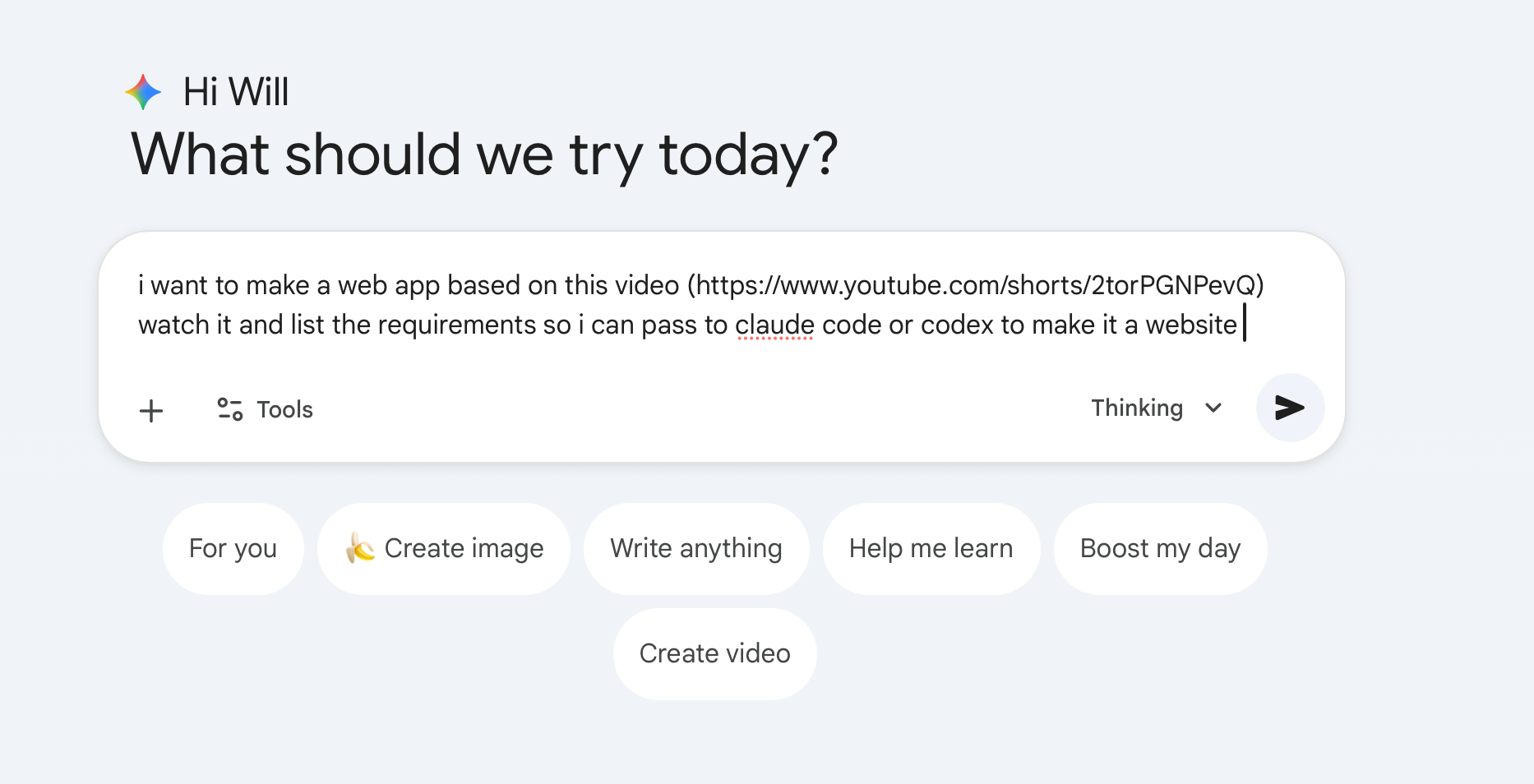
I’ll show the first pass of generating a site using this logic by asking Google’s Gemini to watch the video and give me a plan to turn the concept into a website (prompt link)
Here’s what the site created:
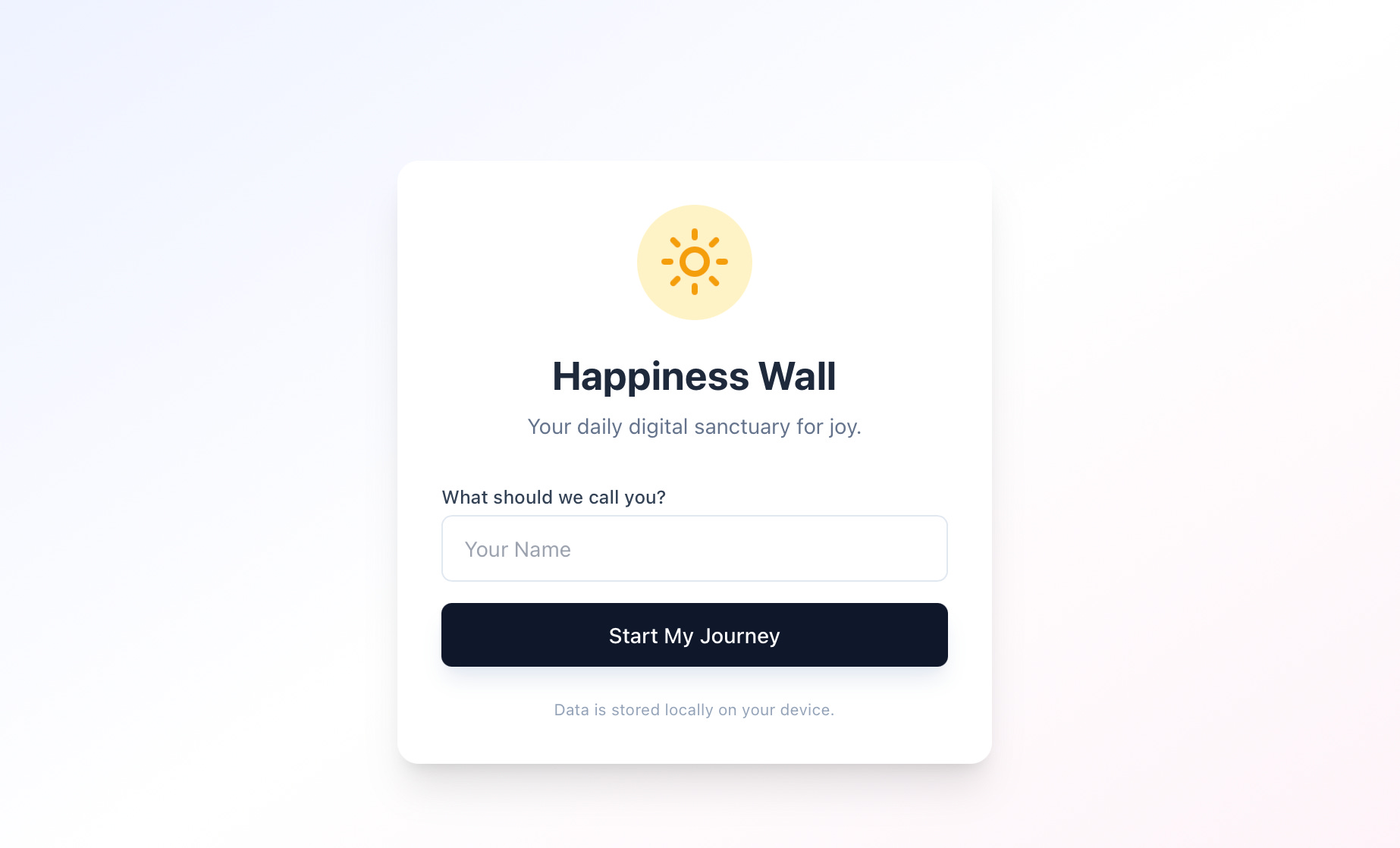
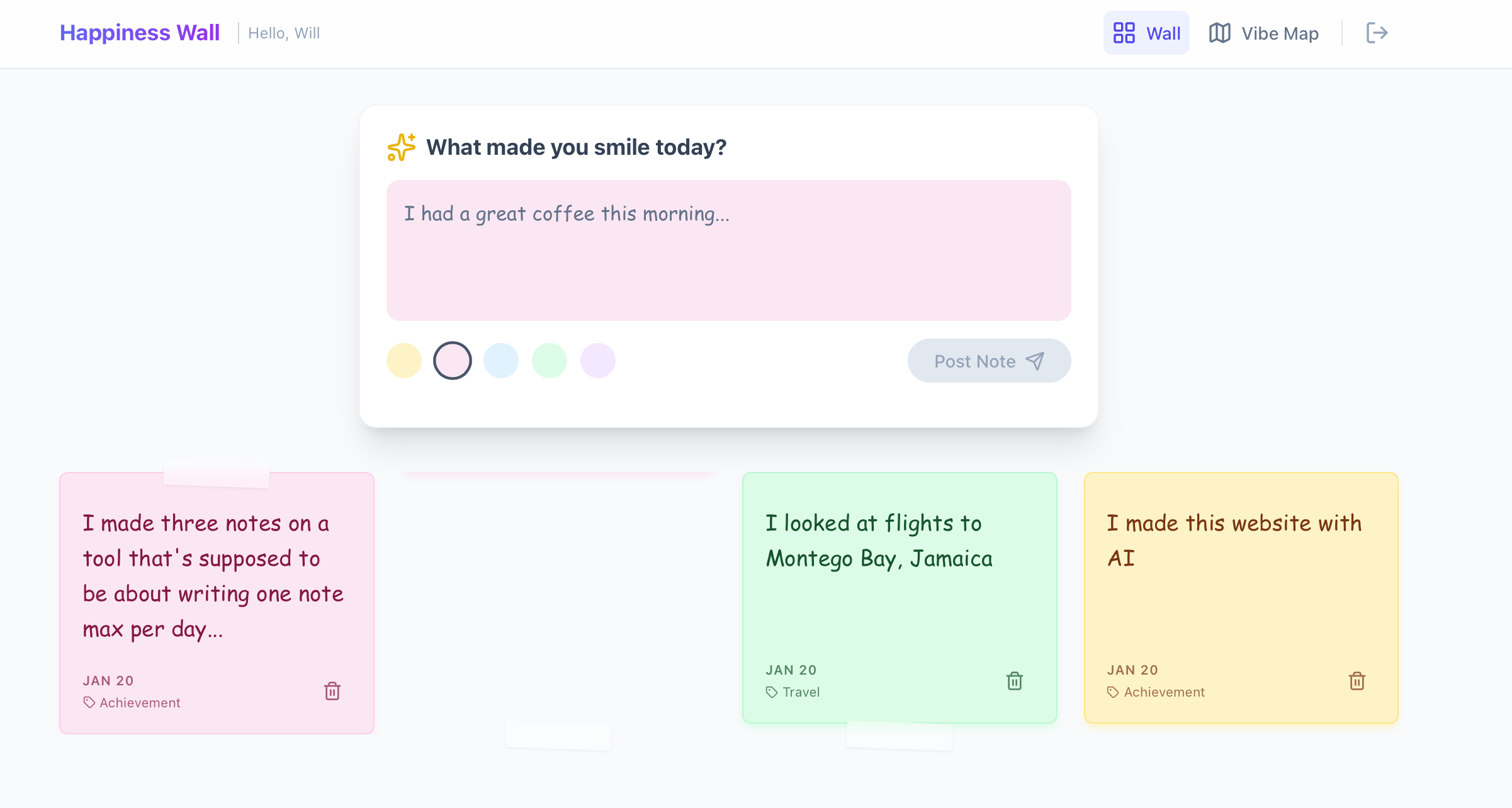
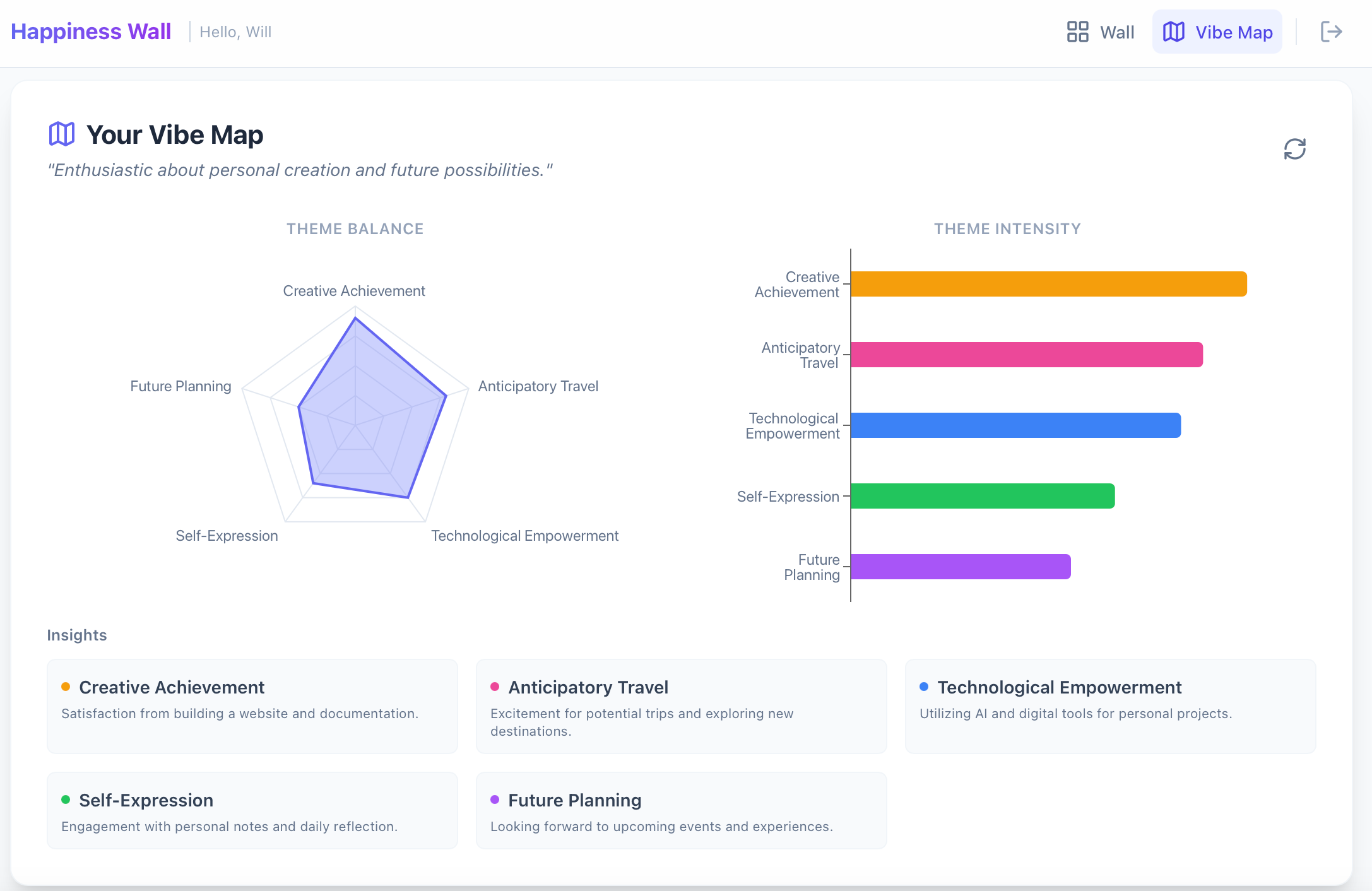
It’s nifty how fast the site was generated, but it didn’t match what I wanted. It switches between Comic Sans and other fonts, it allows users to submit multiple sticky notes each day, and it lacks the ability to edit a posted note among some other bugs the app has.
As you can see, when you don’t make clear, defined instructions for the model you might not like the results it creates on its own. Building with these tools requires creating a clear plan of what you want and defining what you want and what you don’t.
To fix these issues, we need to make a better prompt/instruction guide for our AI tool to better meet our expectations. To make this easier to digest, in the next guide we’ll include details about best practices for writing requirements, iterating on our concept, and in our last guide, how you can take your tool and get it live on the internet (and even connect it to your own domain).
Additional note: Just want to see a vibe coded website to play with and see initial outputs? Test out tools like Google’s AI Studio or Lovable and take a quick prompt and let the tools build!